

On this page
Short answer: Outlineify pages fit both A4 and US Letter. Open a page, tap Print, choose the page alone or the page with its colored example, and pick your printer. You can also save a PDF to print later or from another device.
A4 or US Letter?
- A4 (210 × 297 mm) is the standard paper size in Europe, Türkiye and most of the world.
- US Letter (8.5 × 11 in) is the standard in the United States and Canada.
Every Outlineify page fits both. Choose your paper size in the app under Account, Paper size, so the page is laid out for your paper.
Printing from your iPhone or iPad
- Open the page in My Drawings, or right after it is made.
- Tap Print.
- Choose Print the page, or Page + colored example to add the colored example on a second sheet.
- Pick your printer and the number of copies, then print.
Your iPhone or iPad prints over Wi-Fi to an AirPrint printer on the same network.
Saving a PDF to print later
Tap Save or Share PDF to keep the page as a PDF. You can save it to Files, send it to a computer, or share it with family so they can print one too. Save Image keeps a picture of the page in Photos.
Color or black and white?
- A color printer shows the color key best, so everyone can see which color goes where.
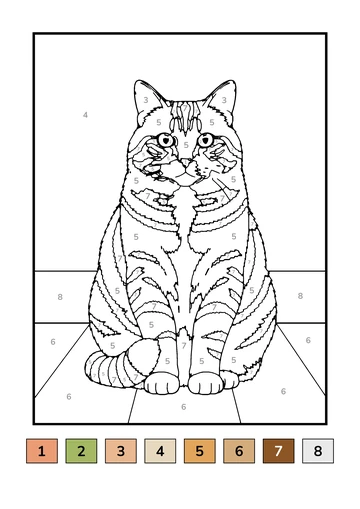
- A black-and-white printer works too. The numbers in each area and the numbered key still guide each color.
Tips for a clean print
- Use plain white paper. Standard 80 g/m² (20 lb) paper is fine for crayons; slightly thicker paper is nicer for markers.
- Choose your printer’s normal or high quality setting so the thin lines stay sharp.
- Keep scaling at 100% or “fit to page” so the whole page and its color key fit on the sheet.
- Print two copies if more than one person wants to color.
No printer at home?
Save the page as a PDF and print it at a library, a copy shop or on a friend’s printer. The PDF keeps the page sharp at A4 or US Letter size.